

Available versions for download
DEPRECATED
B1ackOS x32

32-bit version for compatibility with older hardware. Full functionality in a compact format.
(No kernel updates)
Download (i386)
(No kernel updates)
~1.1 GB
B1ackOS x64

64-bit version of the operating system with full support for
modern hardware and an extended set of tools.
Download (amd64)
~2.1 GB
NEW
B1ackOS ARM

ARM version for use in datacenters and modern laptops,
delivering high performance and energy efficiency.
Download (arm64)
~1.9 GB
Recommended:
- CPU: 2 GHz, 2 cores
- RAM: 4 GB
- Disk space: 32 GB
- Graphics: 1024x768
Minimum:
- CPU: 1 GHz
- RAM: 2 GB
- Disk space: 4 GB
1
Create bootable media
Write the B1ackOS image to a USB drive using programs like Rufus.
2
BIOS/UEFI Setup
Restart your computer and configure boot from USB in BIOS/UEFI.
3
Start Installation
Follow the installer instructions, select the installation partition and configure system settings.
4
Complete Installation
After installation is complete, the system will reboot. Set up your account and settings as desired.
Warning:
Before installation, make sure your hardware meets the minimum
system requirements. It is recommended to create a backup of
important data.
Desktop Environments
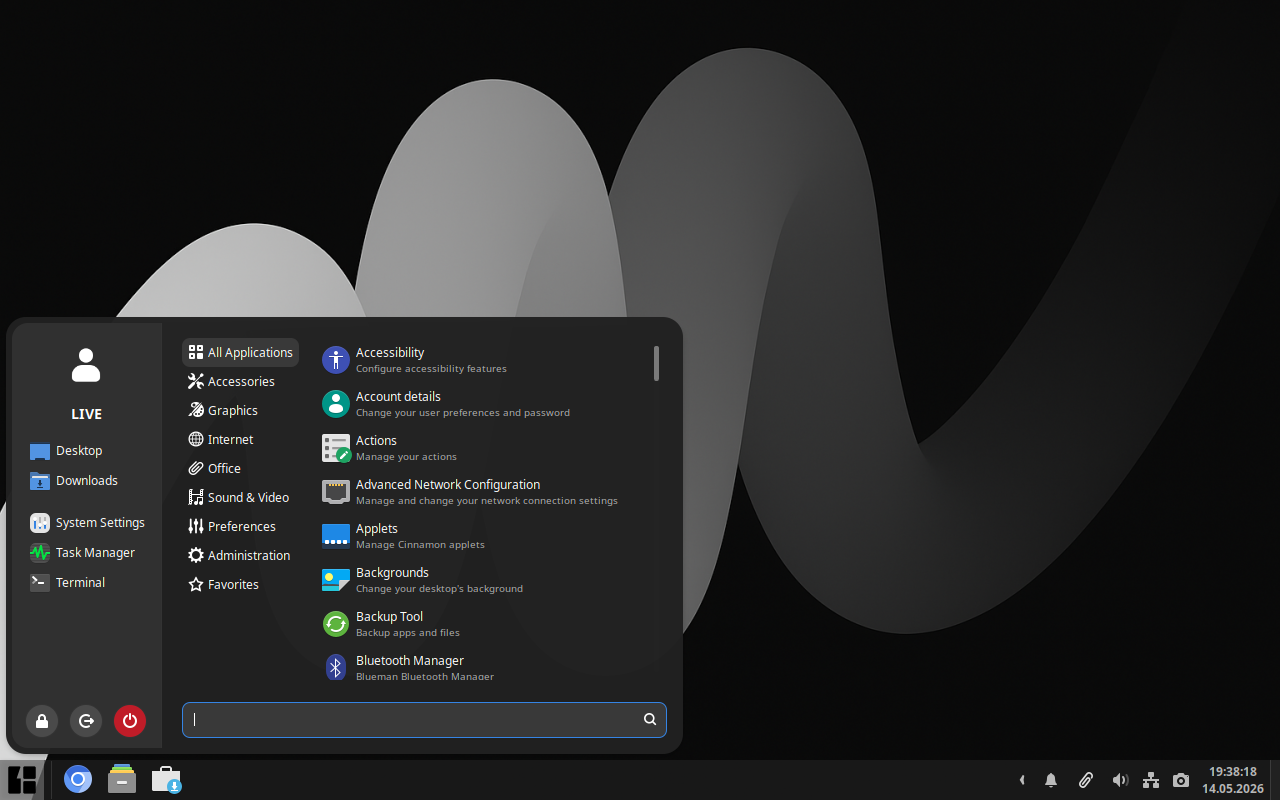
Cinnamon
Sleek, modern, innovative
Cinnamon is a modern desktop environment that offers a classic
interface with innovative features. It provides smooth performance
and a high degree of customization.
Download
 NVIDIA support
NVIDIA support
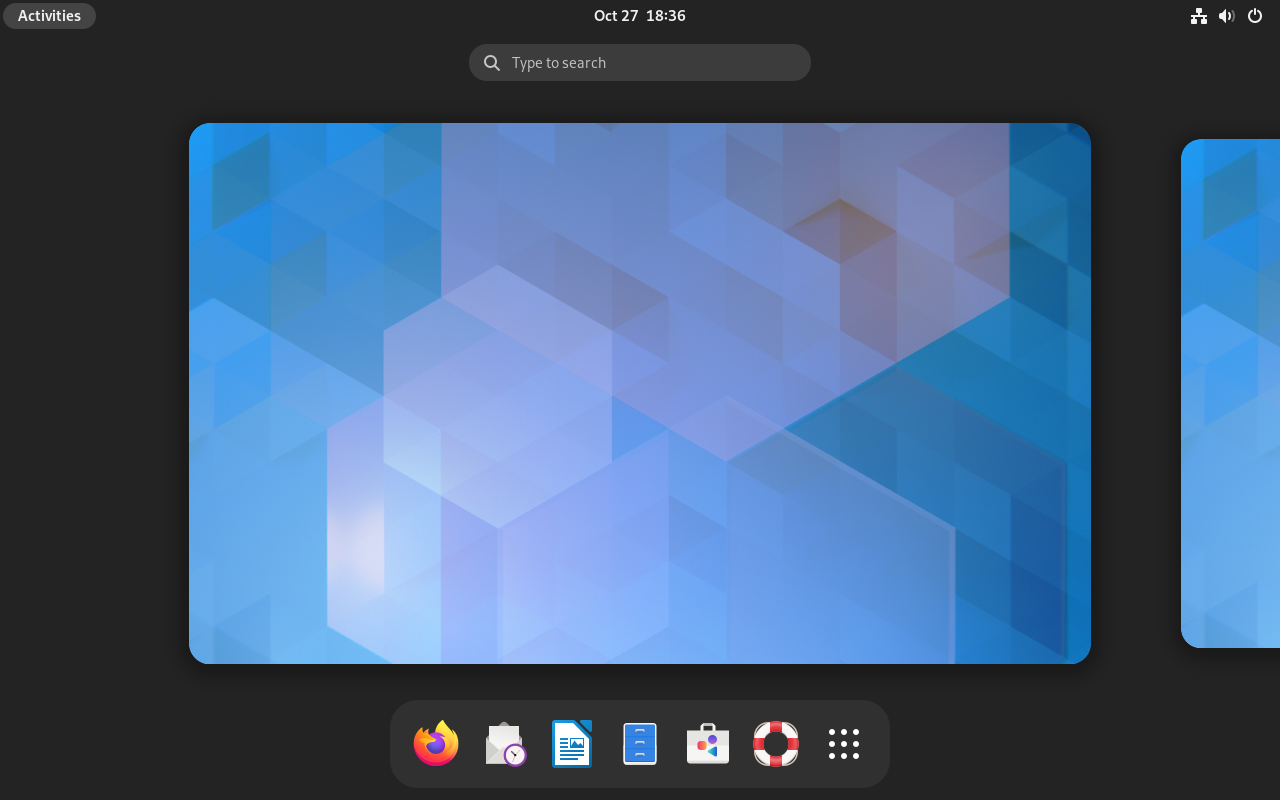
GNOME
Simple, elegant, intuitive
GNOME focuses on simplicity and ease of use. It offers a clean and minimalist interface.
sudo apt install -y gnome
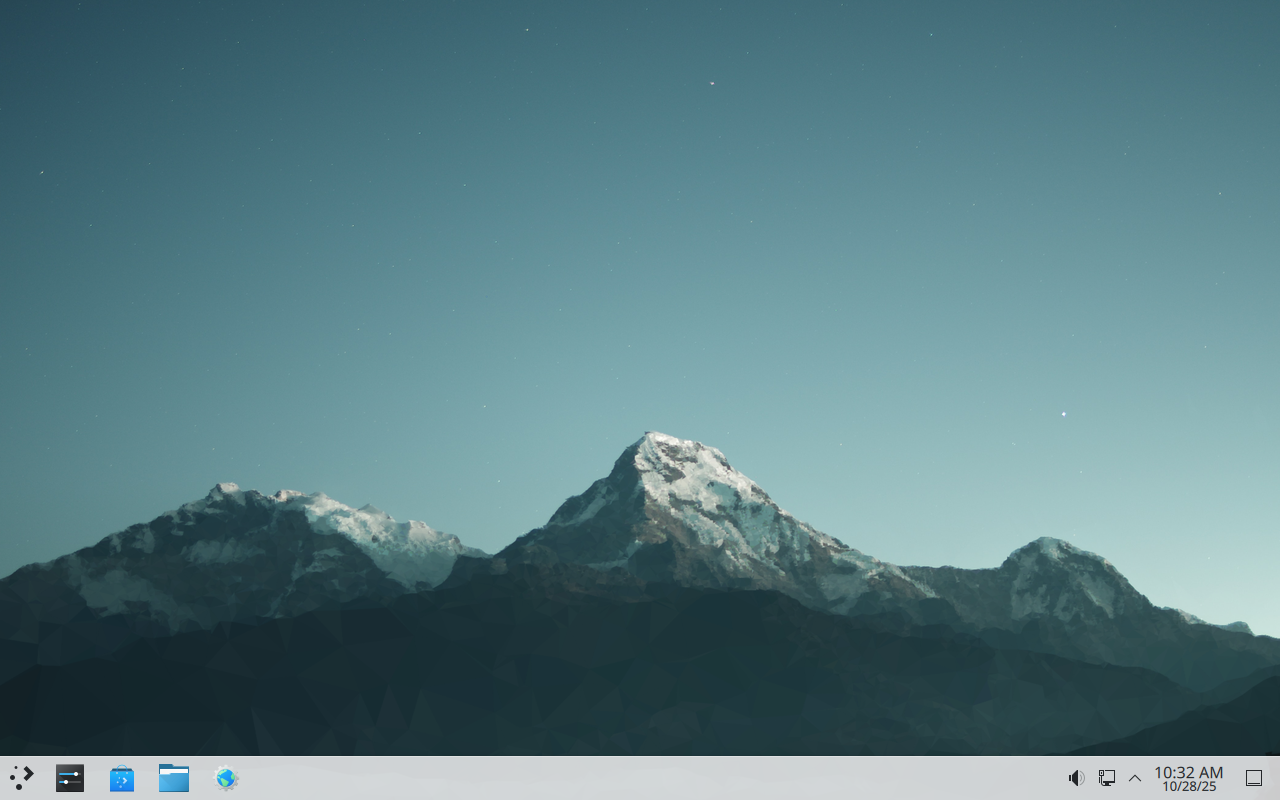
KDE Plasma
Powerful, customizable, modern
KDE Plasma offers a rich set of features and a high degree of customization. It's one of the most advanced desktop environments with a modern design.
sudo apt install -y sddm kde-plasma-desktop
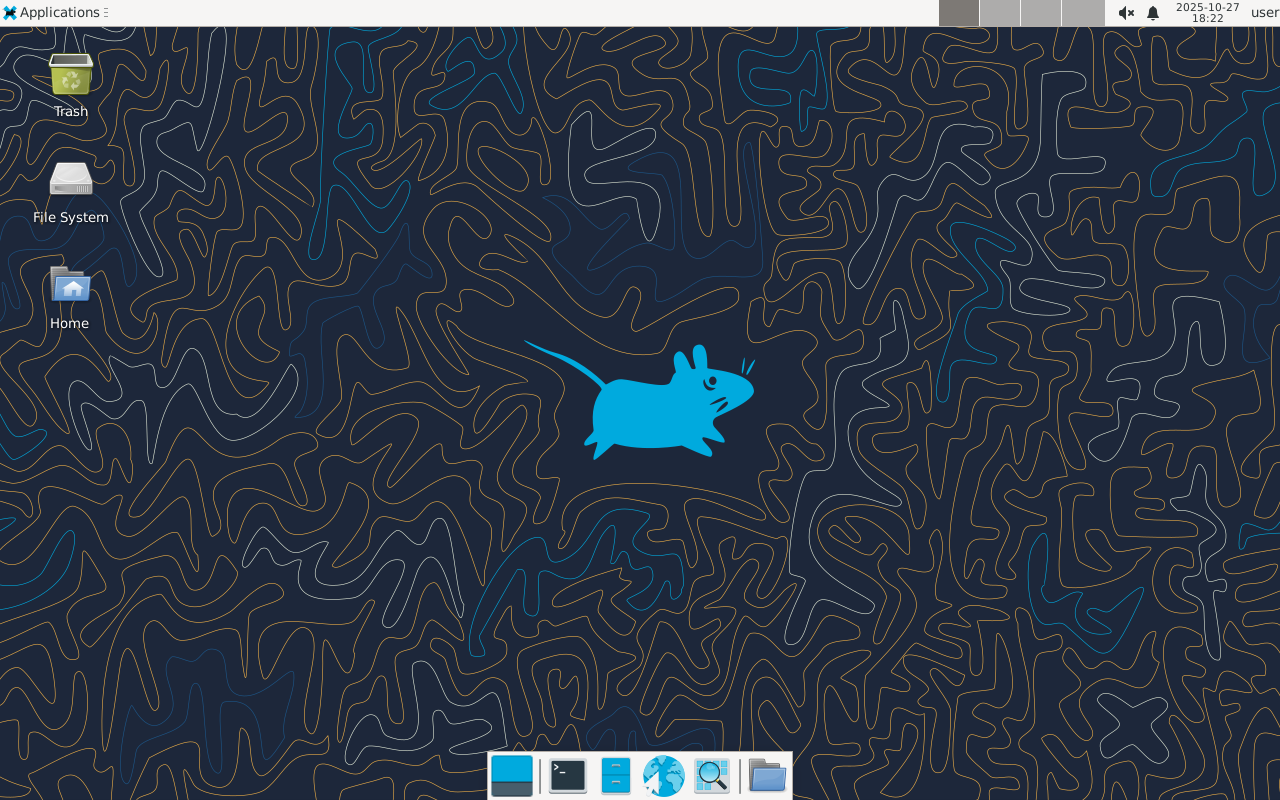
Xfce
Light, simple, efficient
Xfce is a lightweight desktop environment. It doesn't support as
many features as Cinnamon but it's lighter on resource usage,
making it ideal for older computers.
sudo apt install -y xfce4
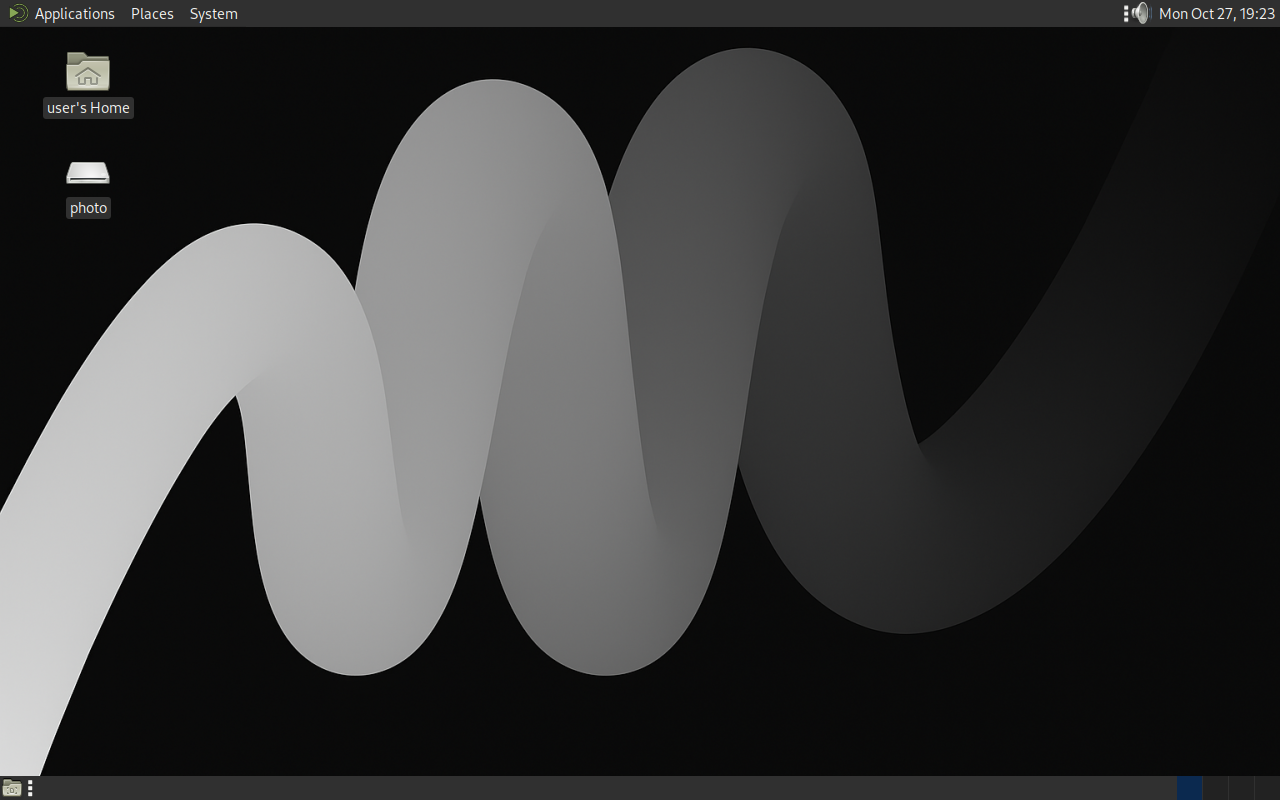
MATE
Traditional, stable, reliable
MATE continues the GNOME 2 tradition, offering a classic interface
that is familiar to many users. It is stable and consumes a
moderate amount of resources.
sudo apt install -y slim mate
Issues
Loading issues...